Rapid Tax Software Solutions
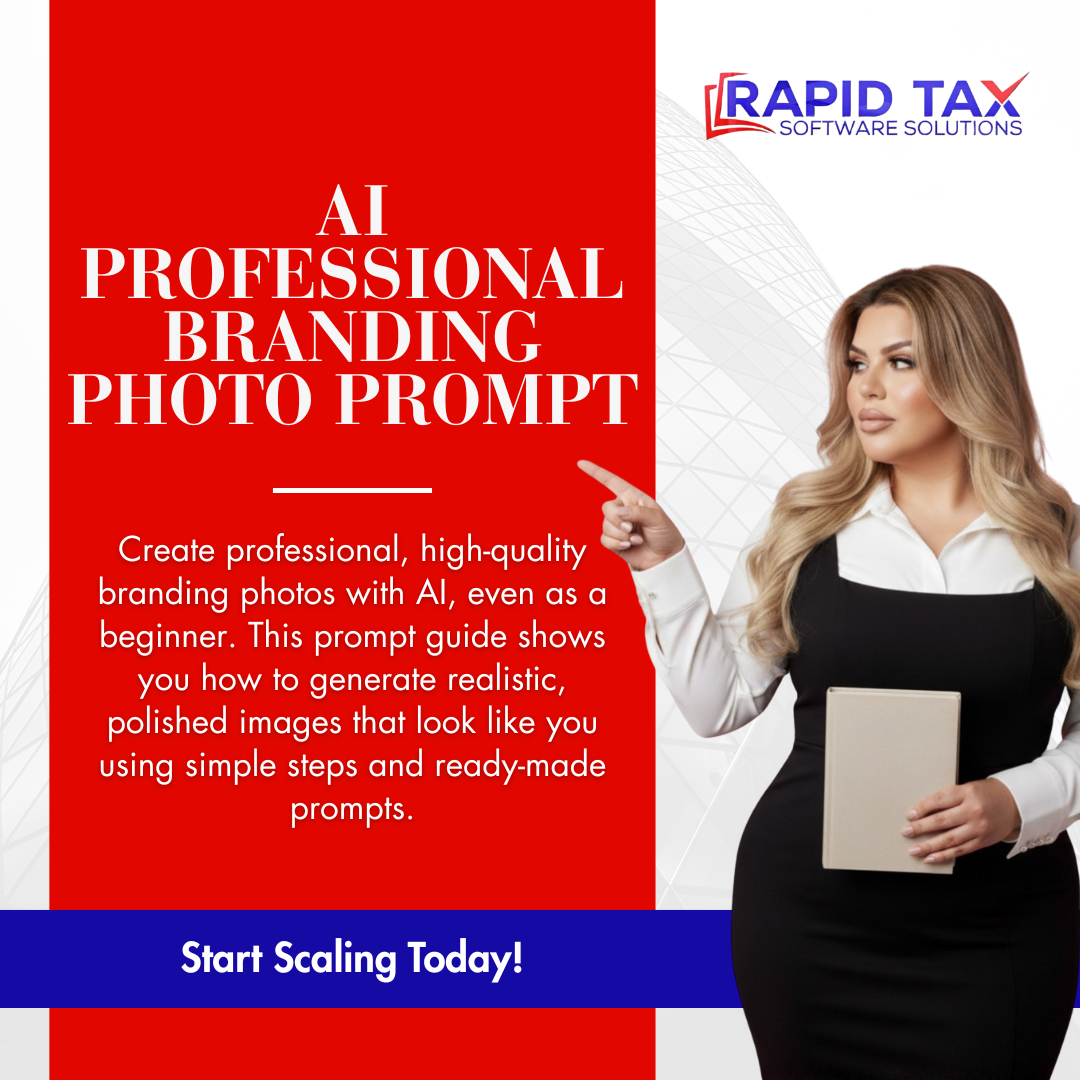
AI Professional Branding Photo Prompts for Entrepreneurs
AI Professional Branding Photo Prompts for Entrepreneurs
Couldn't load pickup availability
You need professional branding photos. You do not have $2,000 for a photographer.
Most people try AI tools on their own, type something vague, and get back a photo that looks nothing like them.
The face is wrong. The prompt was too general. And nothing is usable.
That is the problem this guide solves.
Who This Is For
This guide was built for:
- Female entrepreneurs, coaches, and service providers who need polished branding photos but are not ready to invest in a professional photoshoot
- Virtual assistants and content creators building their online presence for the first time
- Business owners who have tried AI photo tools before and were frustrated by inconsistent or unrealistic results
- Anyone who has been putting off updating their profile photos because the process felt too complicated or too expensive
If you have a phone, access to Gemini, and a few minutes to take two simple reference photos, this guide will work for you.
What You Will Be Able to Do
After completing this guide, you will:
- Generate AI branding photos that actually look like you, not a random AI face
- Use 40 ready-made professional prompt styles across a wide range of settings and outfits
- Produce realistic, high-quality images using Gemini at no additional cost
- Keep your facial features consistent across every photo you generate
- Have a library of polished branding images ready for Instagram, LinkedIn, your website, and more
- Do all of this in minutes, from your phone or laptop, with no photography or tech skills required
What's Inside
Photo Preparation Instructions Before you use a single prompt, the guide walks you through exactly how to take your two reference photos: a front-facing shot and a side-view shot. Specific rules for lighting, angles, and what to avoid are all covered. This step is what makes the AI keep your face accurate and consistent across every image you generate.
Ready-to-Fill AI Prompt Template A structured fill-in-the-blank template that removes all the guesswork. You enter your body type and paste your chosen prompt description. That is the entire process. No writing skills required.
Fully Filled-Out Example A complete, finished example prompt is included so you can see exactly what a ready-to-use version looks like before you build your own.
Step-by-Step Gemini Guide Five simple steps for using Gemini to generate your images. Includes where to click, how to upload your photos, and how to paste your prompt. No prior AI experience needed.
40 Professional Prompt Styles The core of this guide. Forty unique, detailed prompt descriptions across a wide variety of settings and styles, including:
- Luxury white room with curved sofa and gold accents
- City street at sunset with streetlights
- Upscale cafe with warm modern lighting
- Bright home office vlog setup
- Rooftop cafe with plants
- Hotel lobby with marble floors
- Conference room, airport lounge, boutique storefront, park at golden hour, and more
- Multiple outfit styles: blazers, pantsuits, silk blouses, trench coats, velvet suits
Every prompt is written to produce realistic, well-lit, professional results.
Why This Guide Exists
You can search online for free AI photo prompts.
What you will find are generic one-liners that produce images of a random woman who shares none of your features. The face changes every time. The results are not usable for professional branding.
This guide solves that specific problem. The structured reference photo method, combined with detailed, scene-rich prompt descriptions, is what keeps your face consistent and the output realistic. It is not a list of quick tips. It is a working system.
Forty prompts. One template. No photographer needed.
What This Guide Directly Answers
This guide was built around the exact questions entrepreneurs are searching for:
- How to get AI branding photos for free
- How to use Gemini to generate professional photos
- How to make AI photos look like me and not a random face
- How to get a professional headshot without booking a photographer
- AI branding photo prompts for coaches and virtual assistants
- How to generate consistent AI photos using reference images
- Free professional headshot alternatives for small business owners
Frequently Asked Questions
1. Does this work if I have never used AI before? Yes. The guide was built specifically for beginners. Every step is explained in plain language with no assumed knowledge. If you can upload a photo and paste text, you can use this guide.
2. Will the photo actually look like me? That depends on following the reference photo instructions in Step 1. The guide explains exactly why uploading consistent front-facing and side-view photos is what keeps your face accurate. Skip that step and results will vary. Follow it and the AI has what it needs to generate you, not a generic face.
3. Do I need to pay for Gemini to use this? Gemini has a free tier that supports image generation. The guide directs you to gemini.google.com. You do not need a paid subscription to get started.
4. What kind of photos do I need before using the prompts? Two photos of yourself taken with your phone. One front-facing, one slightly turned to the side. Good natural lighting, no filters, no heavy shadows. The guide covers exactly what to do and what to avoid.
5. How many prompt styles are included? Forty. Each one describes a different setting, outfit, and mood so you can generate a variety of images for different platforms and purposes without repeating the same look.
7. Can I use these prompts on other AI tools? The guide is built around Gemini because of its image generation capabilities with reference photos. The prompt template and descriptions can be adapted for other tools, but results will vary depending on the platform.
8. Is this only for women? The prompts in this guide are written for women. The template structure and reference photo method can be adapted, but the 40 included prompt styles are female-focused.
About Rapid Tax Software Solutions
Built to give working professionals the practical tools they need to show up credibly online.
This guide came from real experience using AI to generate consistent, polished branding content without a photography budget. Every step and prompt was tested to produce results that are actually usable.
Do it right from day one.
Bottom line: Take two photos. Pick a prompt. Generate professional branding images that look like you, not a stock model. No photographer. No scheduling. No waiting.
Get it done today.
Digital Product Policy: By completing your purchase, you understand and agree that this is a digital product. All sales are final. Due to the immediate access provided upon purchase, no refunds, returns, exchanges, or chargebacks are permitted once the product has been purchased or downloaded.
Share